
Upload and prepare
Start with a PDF, add people, then place the fields each participant needs.
Built for confident agreement execution
Create a document, set up the people and fields, then launch one secure Flow. GoPhoenix Doc keeps routing, signing, and evidence connected.
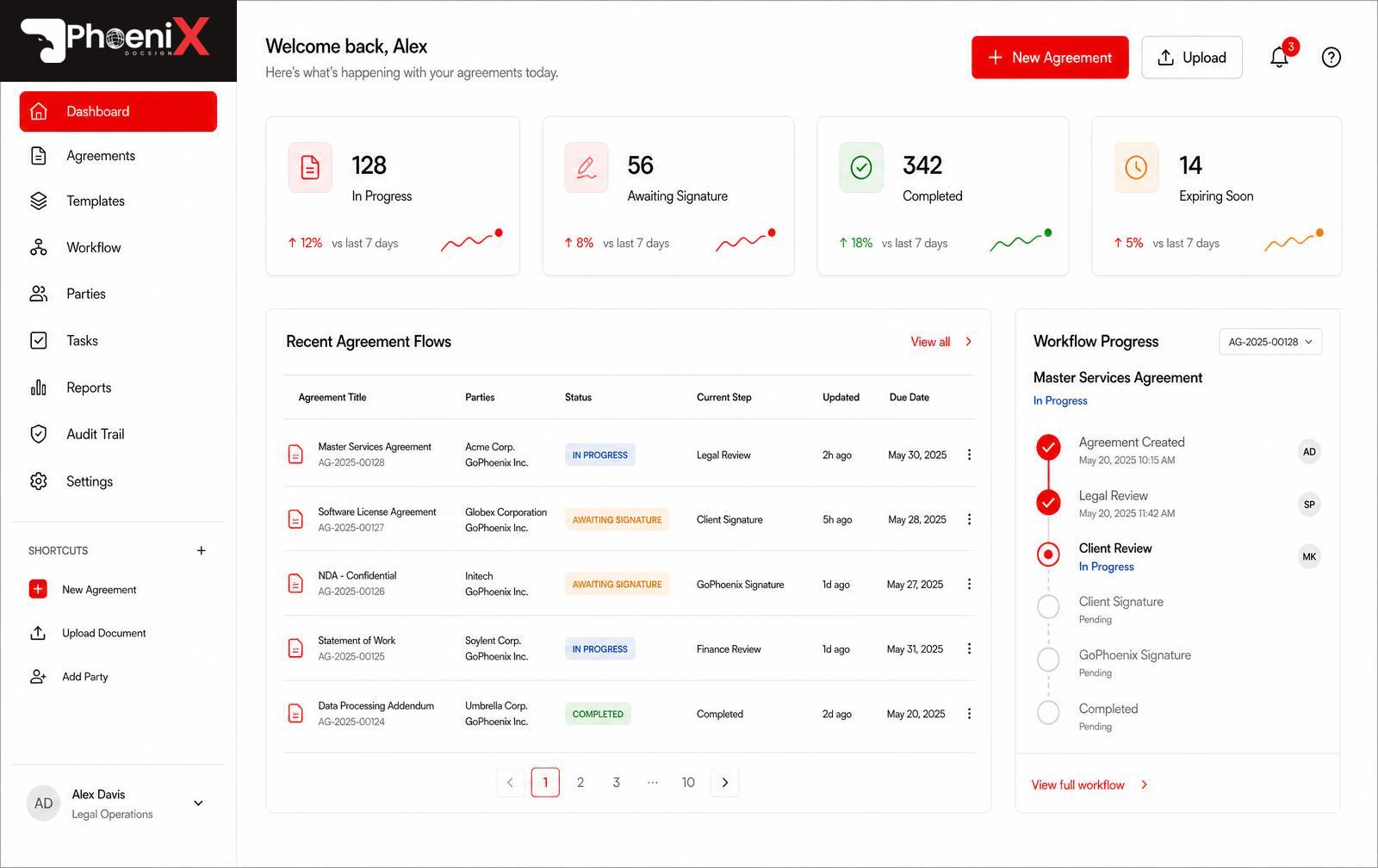
One platform, one Flow
Less configuration, clearer actions, and evidence that stays connected to the finished document.
Start with a PDF, add people, then place the fields each participant needs.
Route agreements in order or in parallel with clear delivery and expiry settings.
Recipients review and sign through a secure, mobile-ready session without creating an account.
Keep the completed agreement and its evidence together when every required action is done.
See delivery, viewing, consent, and signature activity in one immutable timeline.
Private storage, workspace permissions, and server-validated state changes safeguard every Flow.
How it works
Upload your file, add participants, and review SmartFields suggestions before applying them.
Choose sequential or parallel routing, review the message, and launch the Flow.
Participants sign securely. The completed PDF and Phoenix Proof capture the evidence.
Trust by design
Phoenix Proof records document fingerprints, routing, authentication, consent, and signature events. Verification helps you compare a completed document with its certificate.
Verify a documentCreate, route, sign, and prove agreements in one secure Flow.